Direct Printing from iPad Photo Booths: What the Industry Is Saying
Printing straight from an iPad to a dye-sub printer, without a laptop or print server in between, is one of the most talked-about changes among photo booth operators this fall. Here is a roundup of what operators, software makers and booth builders have been saying over the past two months.
Updated October 28, 2026: added details from the official USB direct printing guides published by Curator, LumaBooth and Snappic.
Two kinds of "wired" printing
Operators often use "wired printing" to mean two different setups, and the difference has caused some confusion in online discussions.
- Network print module. The printer connects to a dedicated box, such as an AirCast Pro or a DNP wireless connection module, and the iPad prints over the network. Setup can involve configuring IP addresses and network settings.
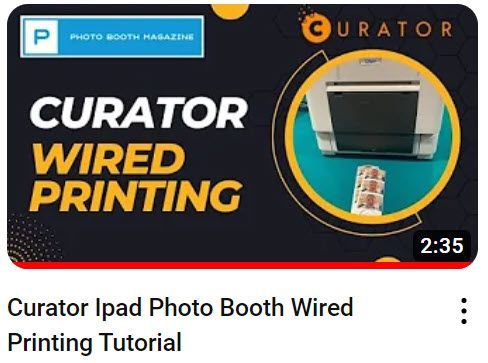
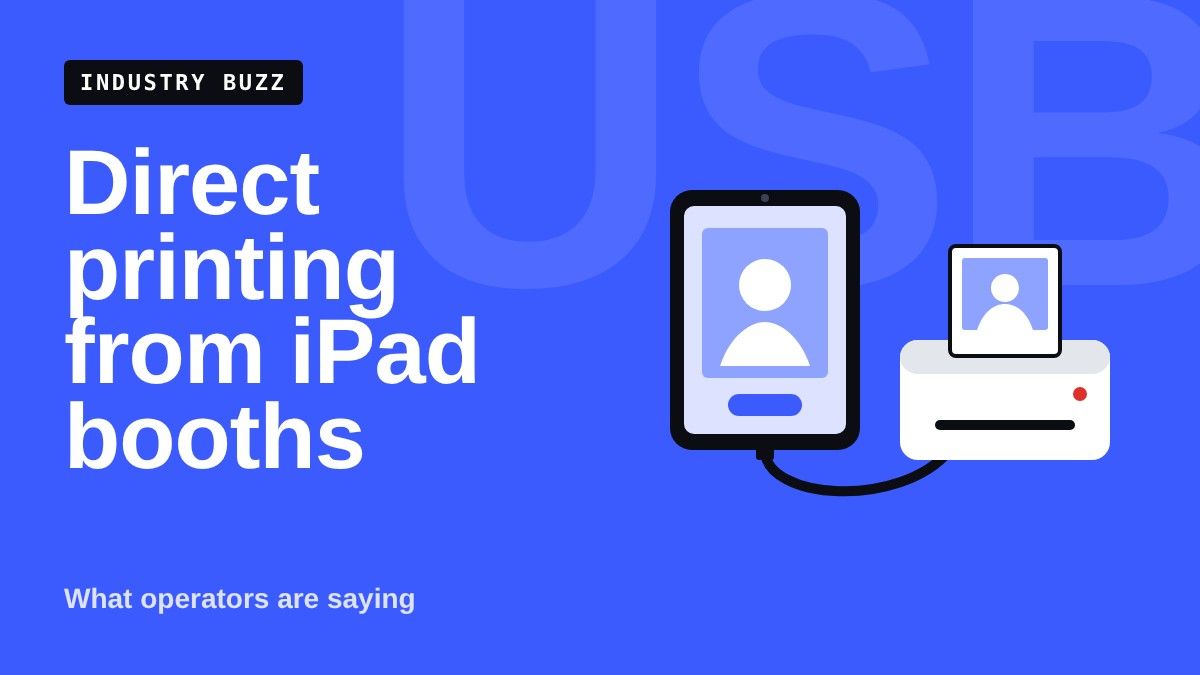
- USB direct printing. A USB cable runs from the printer straight into the iPad, usually through a powered USB-C hub or dock. The hub keeps the iPad charged and can also connect a DSLR or mirrorless camera at the same time.
Most of the recent buzz is about the second option, which removes the laptop, tablet or print server that iPad booths have traditionally needed.
What operators are reporting
The tone of the conversation has been largely positive, with many operators describing direct printing as a major step for iPad-based booths.
- Fewer moving parts. One operator described past events that relied on a separate tablet as a print server, shared mobile hotspots and calls to support when the printer dropped its connection. After switching to USB direct printing, they reported connecting an iPad to a DNP DS40 immediately, with no connection issues during the event.
- Print speed. The same operator said guests remarked on how quickly prints came out. Another operator called their USB direct printing setup "rock solid."
- A turning point for iPad booths. Several comments framed direct printing as the piece that was missing for iPads to compete with laptop-based booths. One longtime operator wrote that iPads "have become real contenders with the advent of direct printing."
- Interest from operators still on older setups. Operators using network print modules have asked what they would need to buy to switch to direct printing.
Which apps support it
Support depends on the booth software. Three software makers, Curator, LumaBooth and Snappic, have published official setup guides confirming USB direct printing from an iPad. The table below combines those guides with other company announcements and operator reports. Check with each company for current details.
| App | What has been announced or reported | Source |
|---|---|---|
| Curator | Confirmed in its official guide. Supports DNP DS-RX1/DS-RX1HS, DS620A, DS820A, QW410, DS40 and DS80; Citizen CX-02, CX-02W, CW-01, CW-02 (OP900II) and CZ-01; Mitsubishi CP-D70DW and CP-D707DW; Sinfonia CS2 and CS3; SwiftFoto KSF-10R; and HiTi P525L. One iPad can run several printers, routing prints by size or to the first available printer. | Curator guide |
| LumaBooth | Confirmed in its official guide, added in LumaBooth 5.3. Supports DNP DS620/DS620A, DS-RX1/DS-RX1HS, DS820/DS820A/DS820DX, QW410, DS40 and DS80; Citizen CX-02 and CX-02W; and HiTi P525L. Requires an M1-or-later iPad Pro or iPad Air on iPadOS 16 or later, and also works on Mac. Can cut prints into 2x6 strips on supported printers and media. | LumaBooth guide |
| Snappic | Confirmed in its official guide. Direct USB works on M-series iPads running iPadOS 16 or later and supports DNP DS620A, DS820A, QW410, DS40, DS-RX1, DS80 and DS80DX, plus Citizen CW-01 and OP900II. AirPrint and the Snappic Print Server remain options. | Snappic guide |
| Touchpix | Direct USB printing added in iOS version 5.14.8. Supports DNP DS40, DS-RX1, DS620, DS80, DS80DX, DS820 and QW410, and Citizen CW-02, CX-02, CW-01, CX-02W and CZ-01. Paper sizes include 6x4, 6x4 split, 5x3.5, 5x7, 6x6 and 6x8. A company representative said it is included with the app subscription. | Company announcement |
| Booth.Events | Operators report USB direct printing working at live events. It can drive more than one connected printer and route jobs between them, which operators note helps with longer prints like stickers and large strips. | Operator reports |
| Fiesta | One user reported it does not print directly; they print through LumaBooth instead. | Operator comment |
One booth builder noted that most booth apps either support direct printing already or have it in beta.
What the official setup guides say
The Curator, LumaBooth and Snappic guides agree on most of the basics, and add a few practical notes.
- Turn on the driver first. Snappic and LumaBooth both require a one-time switch in the iPad Settings app to enable their USB printer driver.
- Adapters and hubs. Most printers come with USB-A cables, so a USB-C adapter or hub is needed. Snappic and LumaBooth both suggest a powered hub so the iPad can charge while printing, and LumaBooth notes a camera can share the same hub.
- One print driver at a time. Snappic warns that another photo app's direct print driver on the same iPad can block the connection.
- Errors and cooling. Snappic says dye-sub printers may pause to cool during heavy runs and that failed jobs stay in the queue for retry. LumaBooth says it reconnects and finishes the print if the connection drops briefly.
- Test before the event. Curator and Snappic both build in a test print, and Curator shows live printer status in the app.
Hardware: iPads, hubs and enclosures
The hardware needed is simple, but the iPad model matters.
- iPad model. Direct printing drivers require an iPad with an Apple M-series chip. Touchpix states that iPads with A-series chips cannot run its printer driver, and the Snappic and LumaBooth guides both require an M-series iPad running iPadOS 16 or later. Some operators running portrait booths use M1 to M3 iPad Pros because of where the camera sits.
- Powered USB-C hub. Operators recommend a powered hub with a charging (PD) port, so the iPad charges while connected to the printer and camera.
- Booth enclosures. Booth builders are adding USB-C ports to their enclosures for direct printing. Recent examples include an updated Picbox Pearl and the Event Roamer. Operators have also shared do-it-yourself modifications, including a 3D-printed part that routes a USB-C cable through a Salsa booth head. Its maker said ready-made and DIY versions are planned, and the post drew strong interest.
- Printer stands. With laptops no longer needed, some operators are now asking about printer stands to pair with an iPad booth.
Open questions and growing pains
Not every conversation has been about smooth events. A few recurring questions and issues came up.
- Reliability across apps. Operators considering a switch are asking how dependable each app's direct printing is under real event conditions. Experiences shared so far are positive, but most come from a small number of operators.
- Print color. One operator using an iPad booth with a DNP DS620A reported prints with a pink tint compared to the on-screen image. A veteran operator advised judging prints by skin tones rather than template colors, since some colors cannot be reproduced exactly on dye-sub ribbon.
- Template layout. An operator reported a 2x6 strip template printing incorrectly from an iPad booth on event day.
- Cable wear. With the printer cabled directly to the booth, one operator shared a reminder after breaking a printer's USB port by tripping on the cord. The out-of-warranty repair took about three weeks and cost about $290 including shipping.
About this article
This roundup reflects sentiment and discussion from around the photo booth industry between late August and late October 2026, including operator posts, comments and company announcements in industry groups. Photo Booth Magazine did not test these products, and the experiences described are those of individual operators. Features, supported printers and pricing can change, so confirm current details with each software company or booth maker before buying.
Product links in this article go to Amazon. As an Amazon Associate, Photo Booth Magazine earns from qualifying purchases. Links are provided for convenience and are not endorsements.