Is Your Google Reviews Widget Stuck at Five Reviews? What Photo Booth Owners Should Check Now
Your Google rating looks fine. Your review count looks fine. But the reviews on your website may be months out of date.
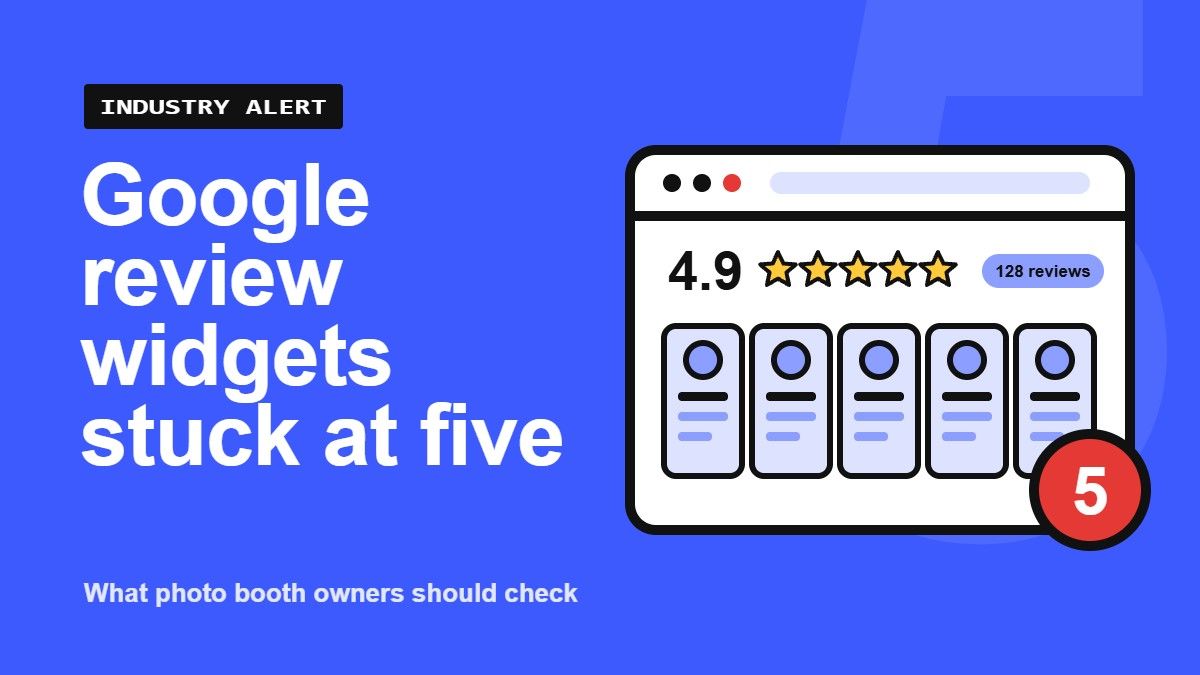
If you show Google reviews on your photo booth rental website through a third-party widget, take a minute today to look at it closely. A growing number of business owners are noticing the same odd pattern: the widget still shows the correct star rating and the correct total review count, but the reviews themselves stop updating. In many cases, the widget is stuck showing only five reviews, no matter how many the business actually has.
What We Found
This issue is being reported by Art Armani, founder of The Photo Booth Magazine and President of Rollup Ads, a Google Ads agency that works with photo booth and DJ companies. Art noticed the problem while reviewing client websites and reached out to Common Ninja, a popular widget provider that many photo booth companies use on Duda, Wix, WordPress and other site builders, after seeing that newer Google reviews were not appearing in a reviews widget.
Their support team confirmed that another customer had reported the exact same problem. The widget was importing only five reviews, even with the "Reviews to Scan" setting turned up much higher. The overall Google rating and total review count were still coming through correctly. Common Ninja told us the issue has been escalated to its development team as a bug.
It does not look like a single-vendor problem. In late October, a user on the Elfsight community forum reported that their Google Reviews widget would load five reviews and then appear to get stuck. We are also checking whether Trustindex users are seeing the same behavior.
Why the Number Five Keeps Coming Up
There is a reason five is the magic number. Google's official Places API, which many widgets rely on, has long returned a maximum of five reviews per business, and by default those five are sorted by "most relevant," not newest. That means a brand-new review may never make the cut unless the widget specifically asks for recent reviews.
Many widget companies work around that limit by pulling reviews through other methods, such as connecting directly to your Google Business Profile or collecting reviews from your public listing over time. When one of those workarounds breaks or gets restricted, widgets can fall back to the five-review limit. That would explain why your rating and review count still look right while the actual review list freezes.
Google has also been tightening how review data is accessed. Earlier in 2026, Google briefly tested hiding reviews from people who were not signed in to a Google account before rolling that change back. Changes like that can disrupt third-party tools that read your public listing. The exact cause of the current problem has not been confirmed, but the timing suggests widget providers are adjusting to changes on Google's side.
Why This Matters for Photo Booth Companies
Reviews do a lot of selling for us. Couples planning a wedding, corporate event planners and parents booking a sweet 16 or mitzvah often read reviews before they ever fill out a contact form.
If your widget is stuck on a handful of older reviews, you may be:
- Hiding your most recent weddings, corporate events and holiday parties
- Missing reviews that mention newer services, like sticker booths, AI booths or 360 experiences
- Making a busy business look quiet, because the newest review shown might be a year old
Even if your Google Business Profile has hundreds of reviews, your website may only be showing five of them.
What to Check Today
- Compare Google with your website. Open your Google Business Profile, note your three newest reviews, then see if they appear in your website widget.
- Check your sort order. Make sure the widget is set to show the newest reviews first, not "most relevant" or random.
- Check the widget dashboard. Log in to your widget provider and see how many reviews it has actually imported. If the number is exactly five, that is a red flag.
- Connect your Google Business Profile directly. If your provider offers the option to sign in and connect your profile as the owner, instead of simply pasting a public Google Maps link, use it. Owner-connected widgets are generally not bound by the five-review public limit.
- Contact your widget provider. If reviews still look stuck, open a support ticket and mention that the widget is capped at five reviews. The more reports they get, the faster it gets fixed.
A Temporary Fix Until This Is Resolved
If your widget is affected, you do not have to wait on your provider to keep fresh reviews in front of potential clients. A simple workaround is to hand-pick a few of your most valuable recent reviews and add them to your website yourself.
- Choose reviews that sell. Pick three to five recent reviews that mention specific event types, like weddings, corporate events or school dances, or that call out your attendant, prints or newer booth experiences.
- Quote them as testimonials. Add a short quote, the reviewer's first name and the event type as text on your homepage and key service pages. Keep the wording exactly as the customer wrote it.
- Add a "Read Our Google Reviews" button. Link the button to your Google Business Profile reviews so visitors can see your full rating and every review in one click.
Once your widget provider fixes the problem, you can switch back to the live widget, or keep the hand-picked testimonials alongside it.
Your Reviews Have Not Disappeared
If your widget looks wrong, do not panic. Your reviews are most likely still on your Google Business Profile exactly where they belong. The problem is how the third-party widget retrieves and displays them, not the reviews themselves.
We Are Watching This
The cause has not been confirmed across all providers, but Common Ninja has acknowledged the bug and similar reports are showing up elsewhere. We will update this article as we hear back from Common Ninja, Trustindex and other widget companies.
Seeing the same thing on your site? Tell us which widget you use and what you are seeing in the Photo Booth Magazine Facebook group. Your reports help us track down how widespread this is.