Running the Liene PixCut S1 Printer in Your Sticker Photo Booth: What Operators Need to Know
The Liene PixCut S1 printer is turning up in more and more photo booth setups, especially for AI sticker activations, where a guest's photo becomes a printed, kiss-cut sticker sheet on the spot. The 7,200-member Liene PixCut S1 Facebook group is mostly crafters, but a growing number of operators are posting there, and the machine's quirks matter far more at a live event than at a kitchen table.
We read two months of posts (mid-September to early November 2026) and pulled out what booth owners need to know. Most operators drive the printer from third-party booth software rather than Liene's own app, so this piece skips the app tutorials and focuses on what applies no matter what software you run: hardware reliability, speed, template design and media.
The short version: the PixCut S1 is a compelling all-in-one sticker printer for booths, but it is slow per sheet, kiss-cut only, and needs a little maintenance discipline to stay reliable through a full event.
Why operators are adding it
The appeal is simple: one compact box prints the sticker and cuts it. One operator in the group runs AI sticker booths today on a DNP dye-sub printer plus a separate cutter and wrote that he wants to switch to the PixCut because the cut happens right after the print, with no hand-off between machines.
Third-party software support is what makes it practical for events:
- Touchpix has built-in PixCut support for sticker sessions, including AI stickers. Per Touchpix's help article, the printer connects to a Windows booth over USB, and you can run up to two PixCuts, with each sheet sent to whichever printer is free.
- Booth.events can also produce stickers on the PixCut.
- Curator has sticker printing in early access as Pose and Peel. Curator doesn't name the printer, but describes a print-and-cut sticker printer under $300 using 4×7 sheets, which matches the S1. It runs from an M-chip iPad over a single USB cable with no print server, spreads sheets across multiple sticker printers automatically, can run a regular photo printer such as a DNP 620 on the same iPad, and cuts along each person's outline or as a box or circle.
- Liene Photo Booth, Liene's own booth software, is in a free open beta. It runs on a compatible Android touchscreen with a USB webcam and handles photo prints, AI portraits and photo stickers with branded templates. Liene is actively asking operators for feedback, so joining is the most direct way to influence features you need.
Check with your software vendor for its specific PixCut setup steps, since how cut lines are generated depends on the software.
The big constraint: throughput
Speed is the number one complaint from operators. The S1 prints a sheet, then cuts it, and only then starts the next one. There is no way to print sheet two while sheet one is still being cut, and Liene says it has no update on adding that. One operator posted a detailed request for a faster event mode, even at slightly lower quality, arguing that the booth market is a big opportunity for Liene.
Real-world numbers in the group back up the concern. One owner who used it at a March event said each session took 5 to 8 minutes once you count laying out the photo and printing, plus trimming the white edges by hand afterward. That workflow went through Liene's app rather than booth software, so an automated template should cut out the setup time, but the print-then-cut cycle stays the same.
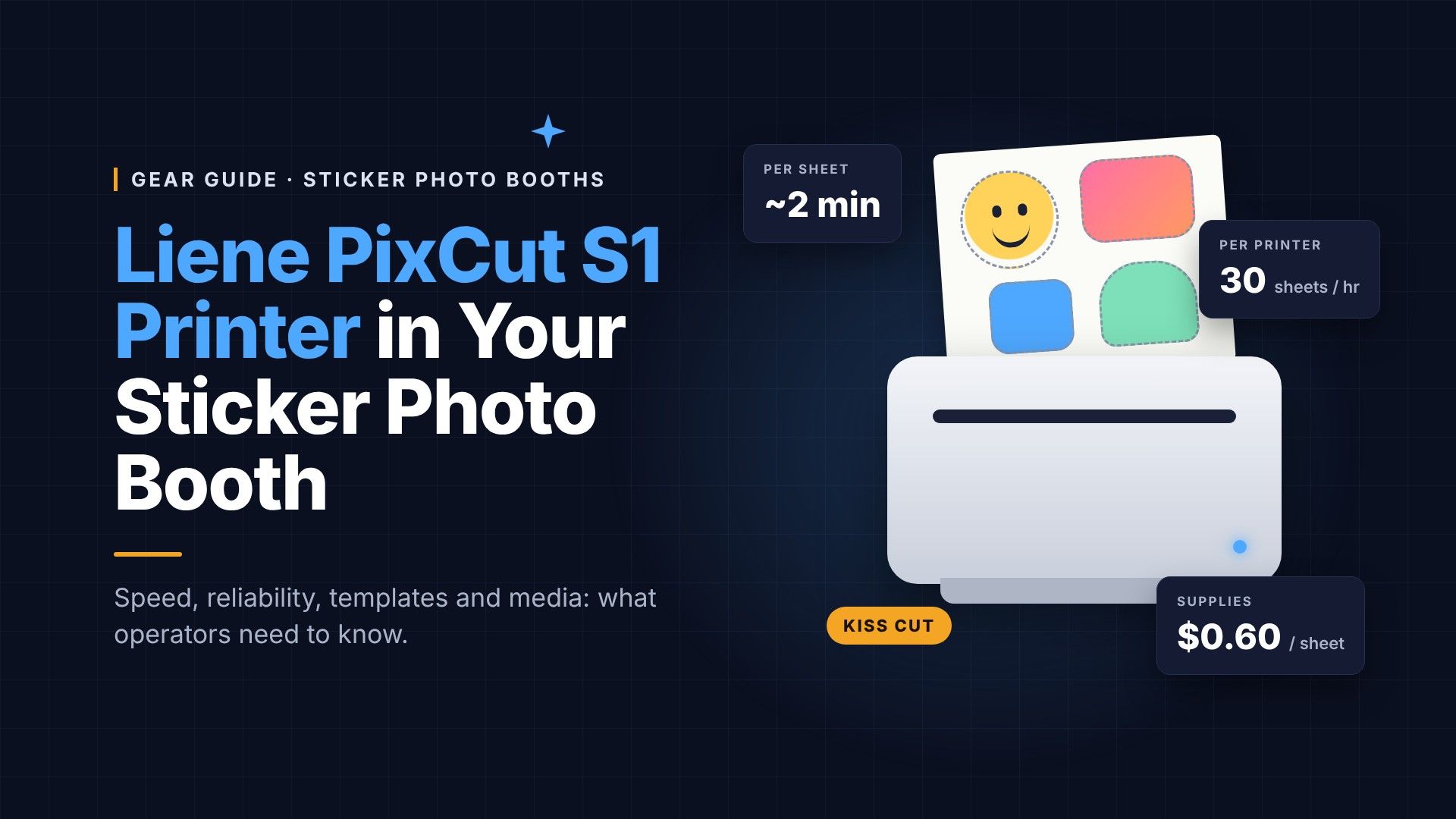
The most detailed published numbers come from Curator's sticker booth pricing guide. Curator says each sheet takes 1 minute 45 seconds to 2 minutes start to finish: up to about 40 seconds to print, then about 1 minute to 1 minute 20 seconds to cut. That works out to roughly 30 sheets per printer per hour.
| Sticker printers | Sheets per hour (approx.) | Supplies per hour (approx.) |
|---|---|---|
| 1 | 30 | $18 |
| 2 | 60 | $36 |
| 3 | 90 | $54 |
Adding printers doesn't make any single sheet faster; it lets several sheets print side by side, which matters once a line forms. Curator recommends at least two sticker printers for large events. Remember that a sheet can hold one big sticker or several small ones, so a group of friends can share one sheet.
How operators are working around it:
- Run multiple printers. Software that sends each sheet to whichever S1 is free is the clearest way to keep the line moving. Touchpix supports two printers this way and says it roughly halves the wait at busy events; Curator also spreads sheets across multiple sticker printers automatically.
- Set guest expectations. Treat the sticker as a take-home that's ready in a few minutes, not an instant print, and keep guests posing while earlier sheets finish.
- Size the package to the machine. Quote sticker booths with a realistic guest count per printer per hour, measured at your own test runs with your own template.
Keeping it running on event day
These hardware issues show up in the group regardless of which software is sending the job, and each one can stall a booth mid-event.
Paper won't feed. The most common failure: a "no paper" error with a full tray, or a machine that grabs once and then jams. The fix that works most often is wiping the pickup rollers with an alcohol wipe, which Liene support also recommends. Do it before every event, not after it fails.
"Wrong paper size" errors. Usually a mismatch between the paper, tray and size setting. Sticker paper is 4×7 inches; make sure your booth software's print size matches.
Don't stack finished sheets. Liene warns that if a finished sheet isn't removed promptly between back-to-back jobs, the machine may try to feed it back in. In a busy booth, assign an attendant to pull each sheet as it lands. The same owner who saw this also got "blade return" errors and a blade that moved without cutting; Liene's fix list included checking the blade holder for debris such as small magnets and greasing the blade shaft lightly.
Yellow tint after a ribbon swap. If prints come out with a yellow layer after changing the cartridge, power-cycle the printer so the ribbon rewinds to its start position, then reprint. Swap ribbons before guests arrive and run a test sheet.
Use the original power adapter. One owner's Amazon replacement adapter shut the printer off as soon as printing started. Liene doesn't sell adapters online, but support (liene.service@liene-life.com) can send a compatible one. Label yours and keep it with the printer.
Bring a spare. One member's first unit failed to feed straight out of the box and had to be returned. Burn in new units well before their first gig, and for paid events, keep a backup printer in the case.
Leave the cover on. Members confirm the S1 prints and cuts fine with the black top cap on, and it keeps dust out at venues.
Designing booth templates for the S1
No full bleed. Expect a small white strip at the top and bottom of every sheet. Liene says the rollers need that space to grip the paper, so it can't be eliminated. Build it into your template design rather than fighting it, or plan to trim.
Kiss cut only. The S1 cuts through the sticker layer so each sticker peels off the backing, but it cannot cut through the backing to release individual die-cut stickers. Liene warns that forcing it with more blade pressure can damage the blade and cutting plate. Guests get a sheet, not loose stickers, so design and market accordingly. A die-cut feature is in development.
Give cut lines room. Liene recommends keeping cut lines at least 1 mm from the artwork for clean cuts. Whatever your booth software uses to generate the cut path, check that offset in a test print.
Watch the transparency. Cut lines usually follow the artwork's shape, and a recent bug in Liene's own app caused transparent PNGs to import with a white background, so stickers stopped cutting individually. Liene says a fix is coming. If any part of your workflow passes through the Liene app, test that your AI-generated stickers still cut on their own shapes.
Test your margins on paper. One long-time member warns the on-screen ruler in Liene's app isn't a true millimeter measure. Run a printed test of every new template rather than trusting on-screen sizes.
Two-up sheets. A popular idea in the group: print two small sticker sheets on one page and cut it in half. For a booth, that can mean one print serving two guests in a group shot, which helps with the speed problem.
Media and consumables
One ribbon, two papers. The same ribbon cartridge prints both photo paper and sticker paper, so you can offer prints and stickers from one machine by swapping paper. The paper tray isn't sold separately, though, so switching mid-event means unloading and reloading the single tray.
Adhesive is now strong, maybe too strong. Early PixCut sticker paper had a reputation for weak adhesion. Liene says it reformulated the adhesive earlier this year and the current paper holds up on water bottles. The trade-off: it can leave residue on laptops and other surfaces. Worth a heads-up to clients whose guests will stick them on devices. A member suggests a little lemon or olive oil to lift residue.
Buy current stock. Older 2024 paper packs carry the weaker adhesive, and Liene won't exchange unopened old packs. Confirm with your supplier that bundles ship with the new paper.
Cost per sheet. Curator puts supplies at about $0.60 per 4×7 sticker sheet. Because a sheet can carry several stickers, the cost per sticker can be lower. Curator suggests pricing stickers as a premium experience, not per sticker.
No clear or holographic paper yet. Transparent, holographic and washi stocks are among the most-requested additions. Some members print on Oracal 651 vinyl cut to size, including clear. It works, but it needs flattening so it doesn't jam, and the ink looks translucent on clear, so test it thoroughly before offering it at an event.
Event-day checklist
| When | Do this | Why |
|---|---|---|
| Before the gig | Wipe pickup rollers with an alcohol wipe | Most common fix for "no paper" and jams |
| Before the gig | Print a test sheet of every template | Catches margin, cut-offset and size errors |
| Before the gig | Confirm software print size is 4×7 in | Avoids "wrong paper size" errors |
| Before the gig | Pack the original power adapter and a spare printer | Third-party adapters have cut out mid-print |
| At setup | Swap in a fresh ribbon, then run a test print | A misaligned ribbon can tint prints yellow |
| During the event | Pull each finished sheet right away | The printer may try to re-feed a sheet left in the output |
| If prints tint yellow | Power-cycle the printer, then reprint | Rewinds the ribbon to its start position |
| If the blade doesn't cut | Check the blade holder for debris, then contact support | Small objects such as magnets can block the blade |
What's coming
Liene says die-cut support is still in development, and sellers and operators are pushing for a beta. Speed improvements and print-while-cutting have been requested, but Liene hasn't committed to either. Its booth software beta is the best channel for operators to push those priorities.
Competition is arriving too. Members are weighing xTool's new print-and-cut machine, which handles larger sheets and die cuts at around $400. One owner who has used both said xTool's software is faster to work in. For operators, the deciding factor will likely be which machine your booth software supports best and how many guests per hour it can turn out.
Sources
- Liene PixCut S1 Official Group on Facebook: posts and replies from mid-September to early November 2026
- Touchpix: Pixcut Sticker Printer: setup and two-printer support
- Curator: Pose and Peel sticker photo booth: setup, cut shapes, multi-printer support
- Curator: How Much to Charge for a Sticker Photo Booth: per-sheet timing, sheets per hour, supply cost
As an Amazon Associate, Photo Booth Magazine earns from qualifying purchases. Product details, software features and pricing change often; confirm with each vendor before you buy.